
1 Month
$17.99CAD
Try it out
- 1 connection
- Live TV, movies & series
- FHD & 4K quality
- TV guide (EPG) & catch-up
- Every device
- WhatsApp support 7 days a week
Setup guide
The Amazon Fire TV Stick is the most popular IPTV device in Canada. It is affordable, plugs into any HDMI port, and setup takes about 10 minutes.
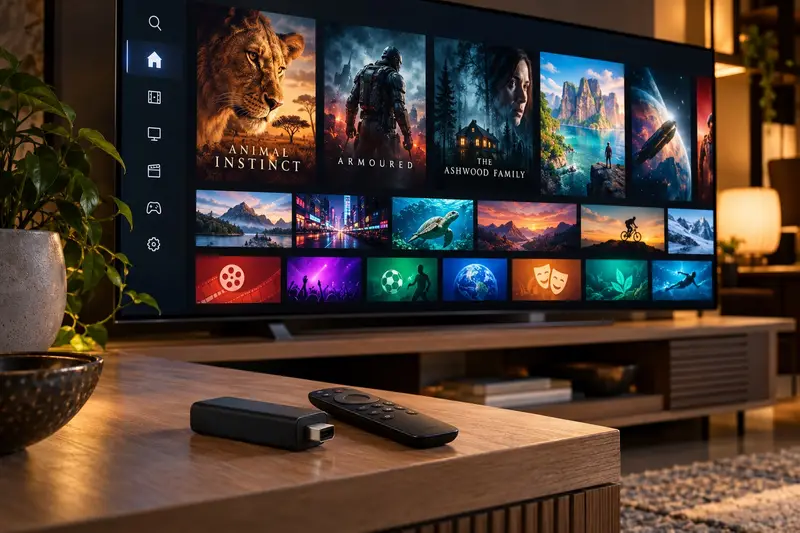
Go to Settings → My Fire TV → About and click your device name 7 times. You will see "You are now a developer".
Go back to My Fire TV → Developer Options and turn on "Install unknown apps" for the Downloader app.
From the home screen, search for "Downloader" and install it from the Amazon Appstore.
We send you the download code for the recommended player on WhatsApp. Type it into Downloader and install.
Open the player and enter the username, password and server URL you received: channels, movies and the TV guide load automatically.
Need a hand? Send us a photo of your screen on WhatsApp and we will walk you through it step by step, in English or French.
Plans
Every plan works on Fire TV Stick and on all your other devices.
$17.99CAD
Try it out
$39.99CAD
Just $13.33/month
$53.97 Save 26%
$59.99CAD
Just $10.00/month
$107.94 Save 44%
$89.99CAD
Just $7.50/month
$215.88 Save 58%
One-time payment · No contract · No auto-renewal · Secure payment link sent on WhatsApp
Need 2 or more screens for the family? Ask for a multi-screen price
Yes, on every model. The 4K and 4K Max versions are faster and handle 4K streams better.
We recommend a player when you order, based on your model. A good player handles the TV guide, catch-up and favourites, and is easy to use with the remote.
From $7.50/month. Order on WhatsApp in under a minute, activated in about 15 minutes.