
1 Month
$17.99CAD
Try it out
- 1 connection
- Live TV, movies & series
- FHD & 4K quality
- TV guide (EPG) & catch-up
- Every device
- WhatsApp support 7 days a week
Setup guide
Most Samsung and LG Smart TVs released since 2018 can play IPTV straight from the TV's app store: no extra box needed.
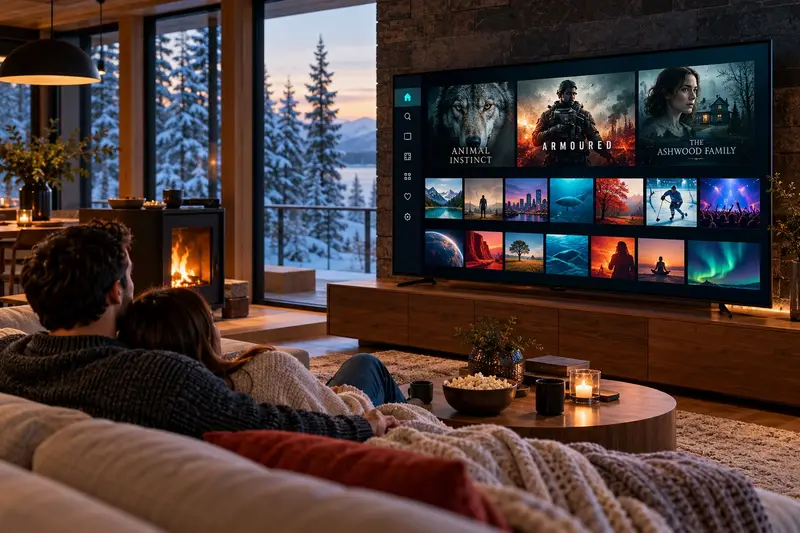
Samsung: press Home and open Apps. LG: open the LG Content Store.
Search for the player we recommend for your model and install it. Some players show a MAC address or device key.
If the app shows a MAC address or key, send us a photo of the screen on WhatsApp and we activate it for you.
Close and reopen the app: the channel list and TV guide appear.
Need a hand? Send us a photo of your screen on WhatsApp and we will walk you through it step by step, in English or French.
Plans
Every plan works on Samsung & LG Smart TV and on all your other devices.
$17.99CAD
Try it out
$39.99CAD
Just $13.33/month
$53.97 Save 26%
$59.99CAD
Just $10.00/month
$107.94 Save 44%
$89.99CAD
Just $7.50/month
$215.88 Save 58%
One-time payment · No contract · No auto-renewal · Secure payment link sent on WhatsApp
Need 2 or more screens for the family? Ask for a multi-screen price
Sony, TCL, Hisense and Philips TVs often run Android TV or Google TV: follow our Android guide. Otherwise, just plug in a Fire TV Stick.
Usually not. Recent Samsung and LG TVs work directly. Very old TVs may need a Fire TV Stick.
From $7.50/month. Order on WhatsApp in under a minute, activated in about 15 minutes.